
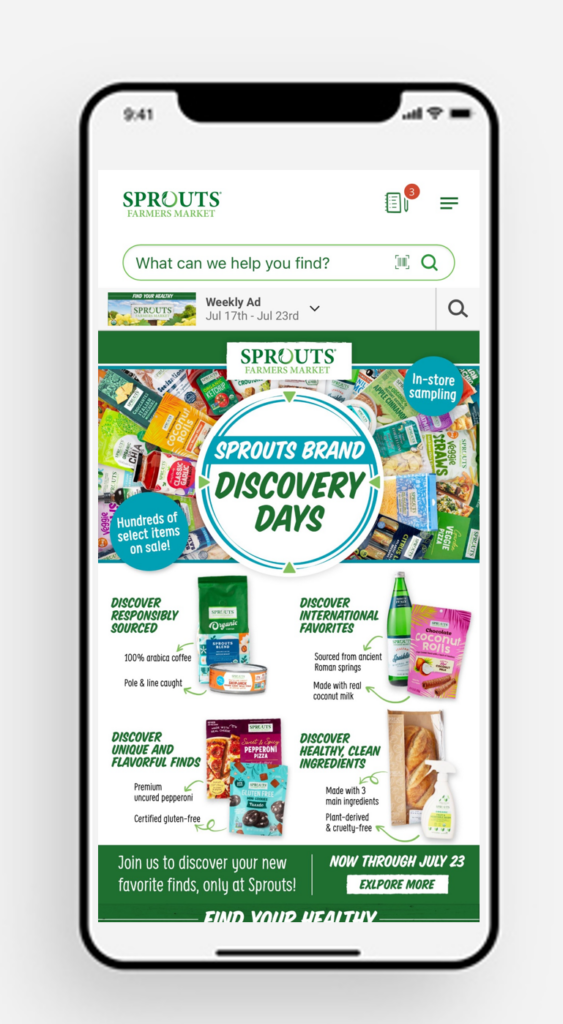
One of the benefits of working at Sprouts is the 15 percent Work Perk Discount on most items in our store. Did you know you can link your team member discount to the Sprouts app? No more worrying about whether you left your plastic Work Perk Discount Card at home! Scan the barcode on the Sprouts app or enter your telephone number at the pin pad, and enjoy the benefits of mobile coupons, exclusive team member offers, checkout challenges and your team member discount all in one place. Enjoy the savings!
- Create an account on Sprouts.com and be sure to use a current phone number. If you already have an account, login to your sprouts.com account and change your password.
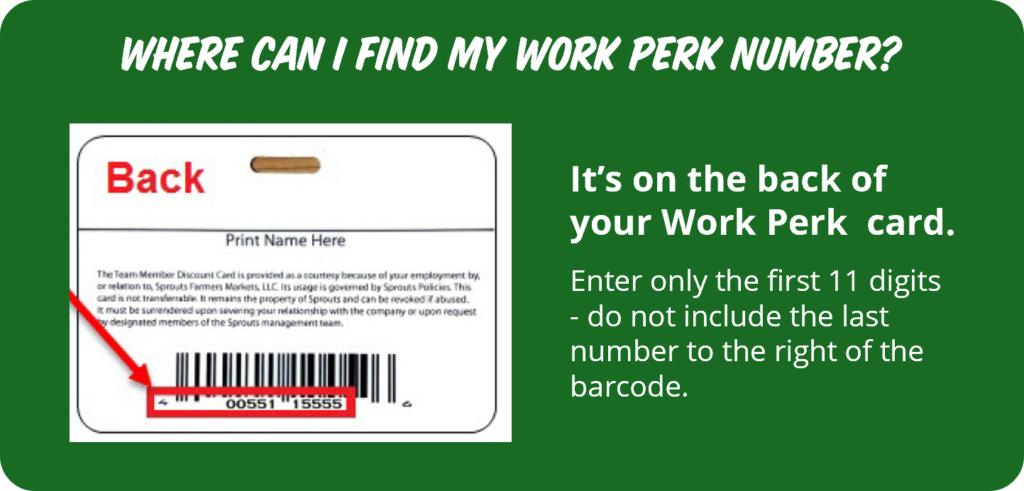
- Click Link Your Work Perk button below to complete the form with your Employee ID number, your email address, and your Work Perk number found on the back of your Work Perk card.
- Start earning! Enter your phone number, scan your barcode from the app or scan your Work Perk card at the register every time you check out

Look for #TeamSprouts coupons in the Digital Coupon section on the app.
If your #TeamSprouts coupons are not visible, follow these steps:
- Sign out of your Sprouts and then sign back in on the app.
- Go to the Digital Coupon page and clip any coupon.
- Go to any other page within the app and then go back to the Digital Coupon Section. Your #TeamSprouts coupons should now be visible.
Questions? Contact the Support Desk at 480-385-2300 or by email at supportdesk@sprouts.com.
| Title | Last Modified |
|---|---|
| Team Member Discount Policy | December 10, 2018 |
| Link Work Perk Discount to Sprouts Account | July 9, 2025 |