For anyone who needs assistance making changes to their tax withholding forms in Workday, please review the following screenshots for step-by-step instructions.
From the Workday home screen, find the View All Apps link:
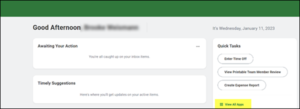
Click on the “Pay” App. If the app does not appear in the menu, click “add apps” to get it added.

Click “Tax Withholding Forms”:
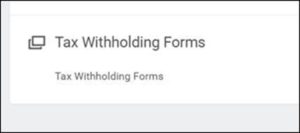
This will take you to the forms website where you can update your elections. If it is the first time you are visiting the site, you will be required to complete the Federal W-4 first before moving on to the state form.

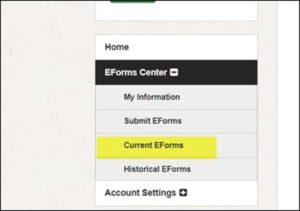
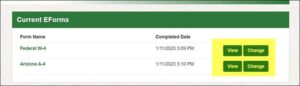
If you have a current form on file, you can click the Current EForms to select which form to update, then make the applicable changes.